 Ottero

Windows
64-bit Windows. The installer adds Ottero to the Start menu and keeps it up to date.
Installer 28 MB · portable 20 MB. If SmartScreen appears, choose More info, then Run anyway.
Ottero puts notes, tasks, a calendar, habits, a focus timer and an encrypted password vault in one desktop app. Everything stays in one file on your Mac or PC.
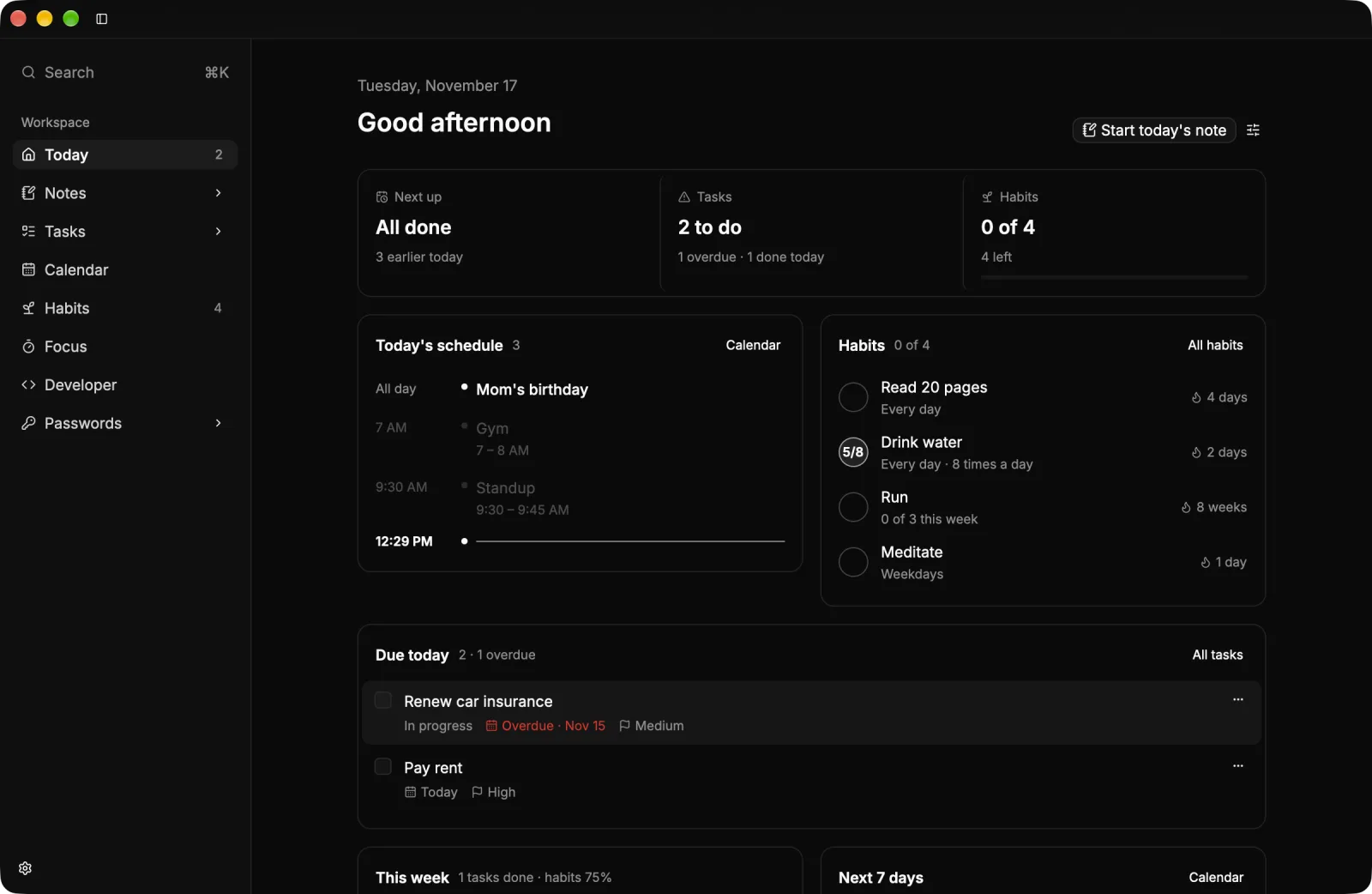
Today shows what’s scheduled, what’s due and which habits are left, with holidays and birthdays in the date line. Reorder or hide any part of it in Settings.
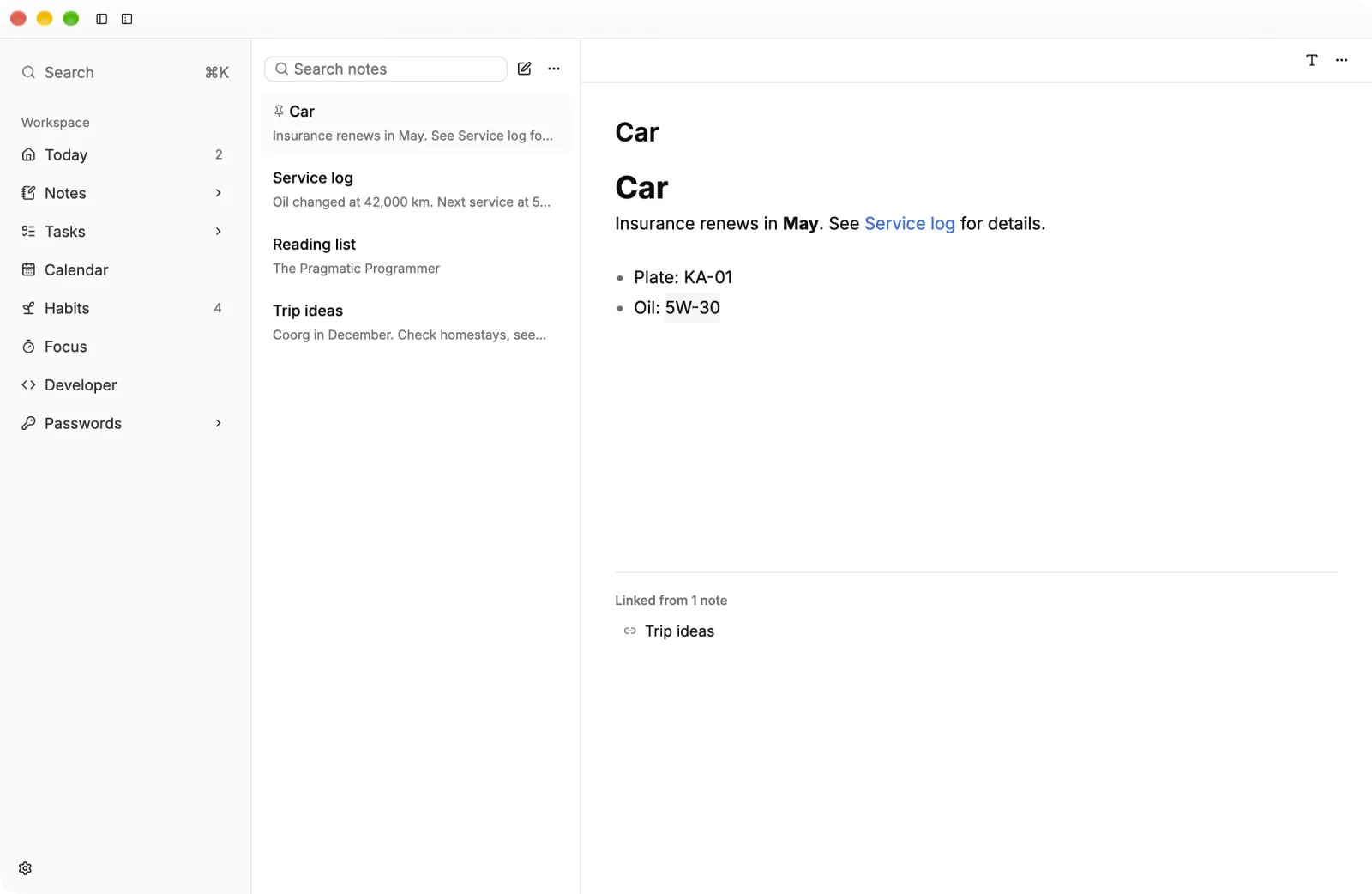
Write in Markdown with a live preview, link notes with double brackets and see what links back. Maths, diagrams and code are drawn in place.
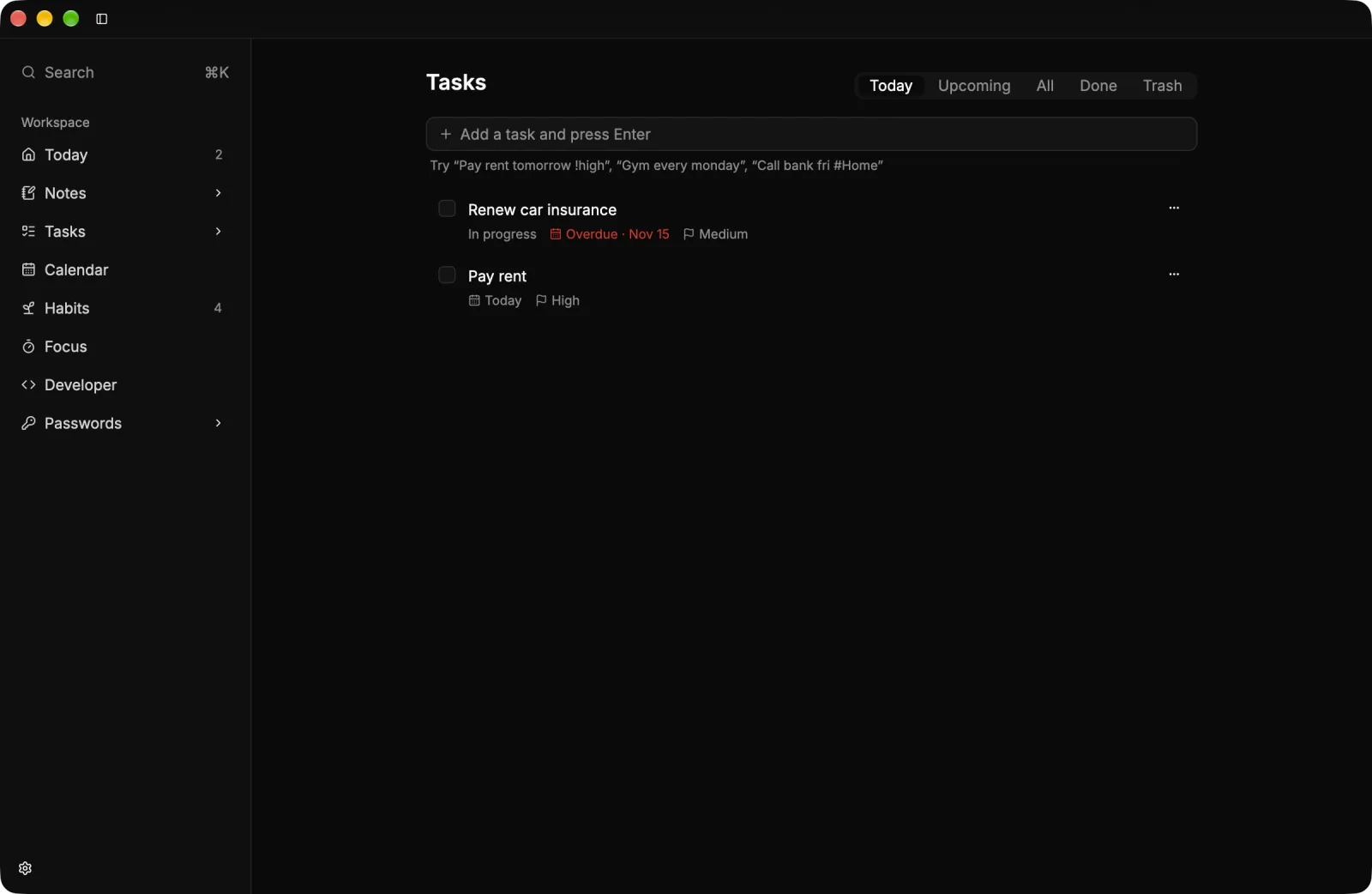
Type “Standup 9:30 every weekday” and it’s planned. Holidays for about 245 countries sit on one line under the date.
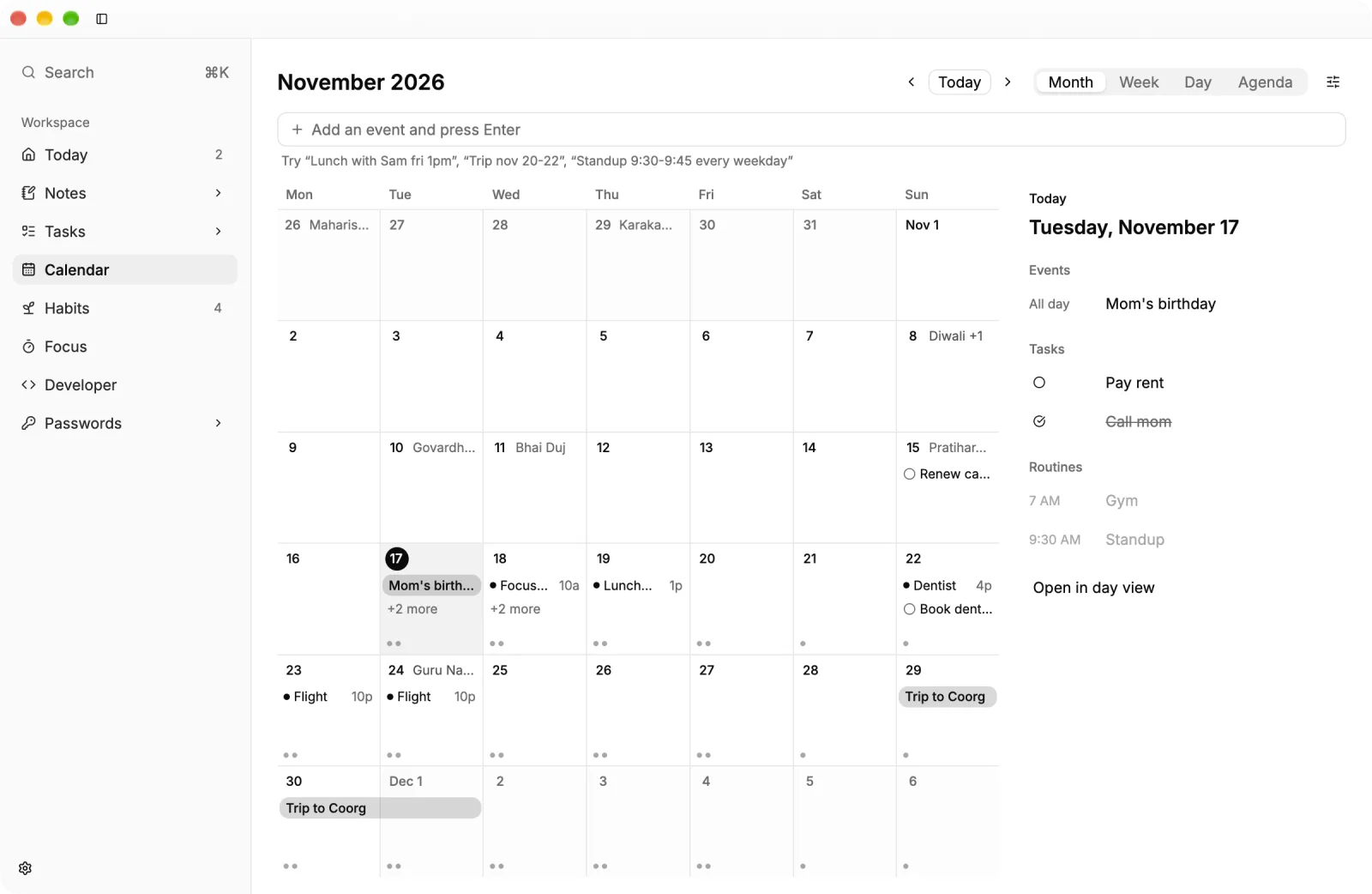
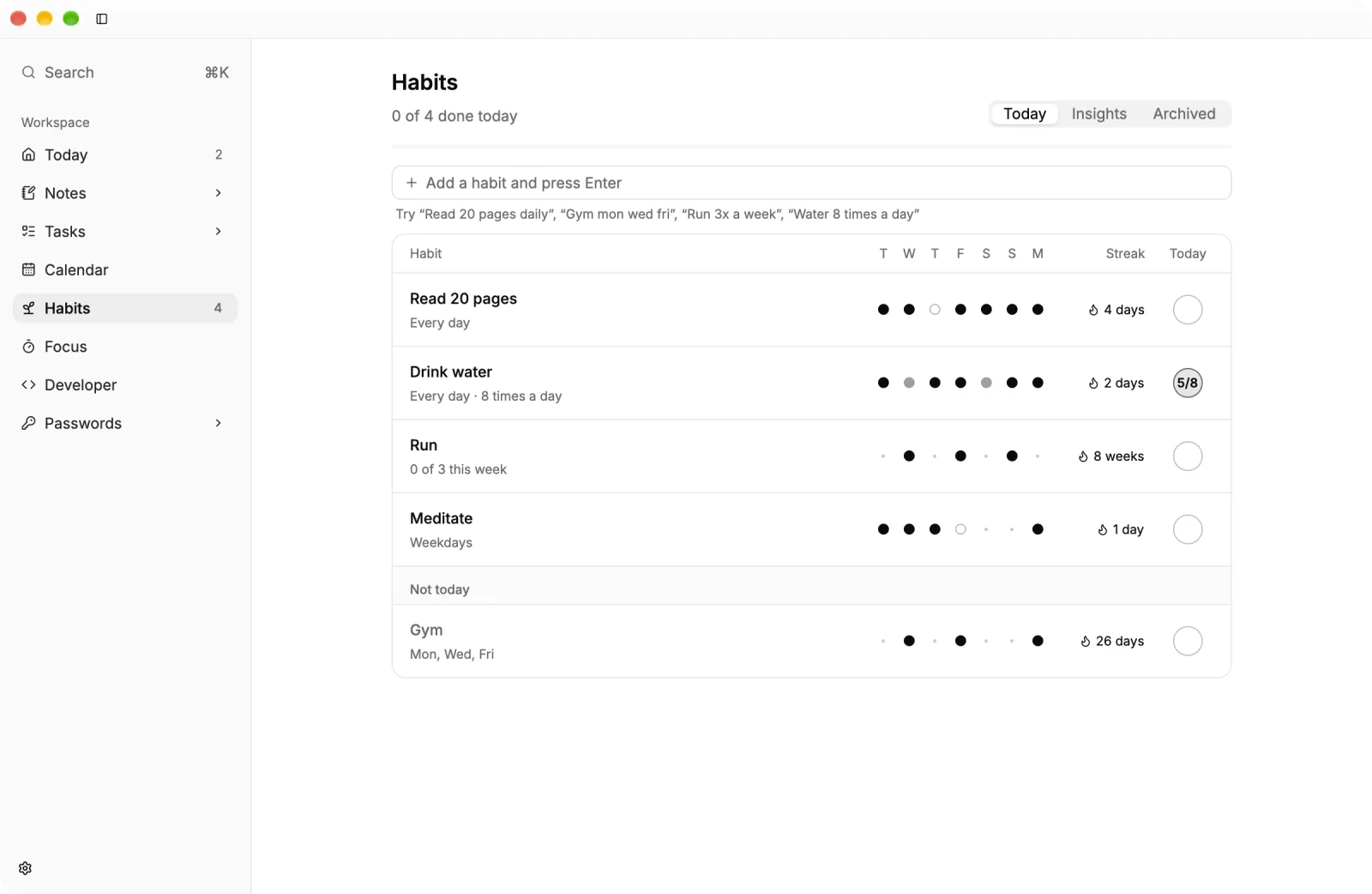
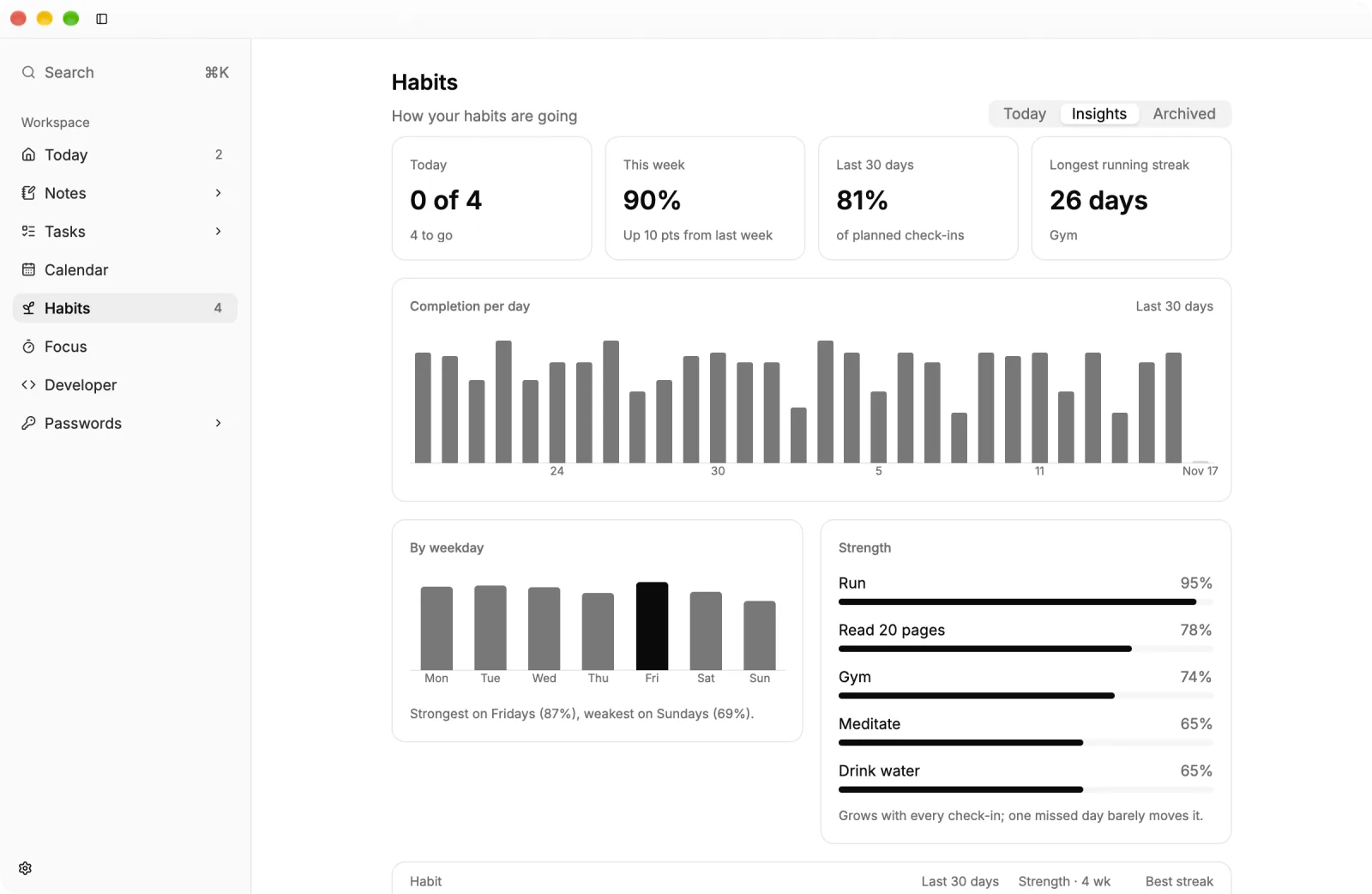
Every day, on chosen days or three times a week, with counts like eight glasses of water. Insights show which weeks went well.
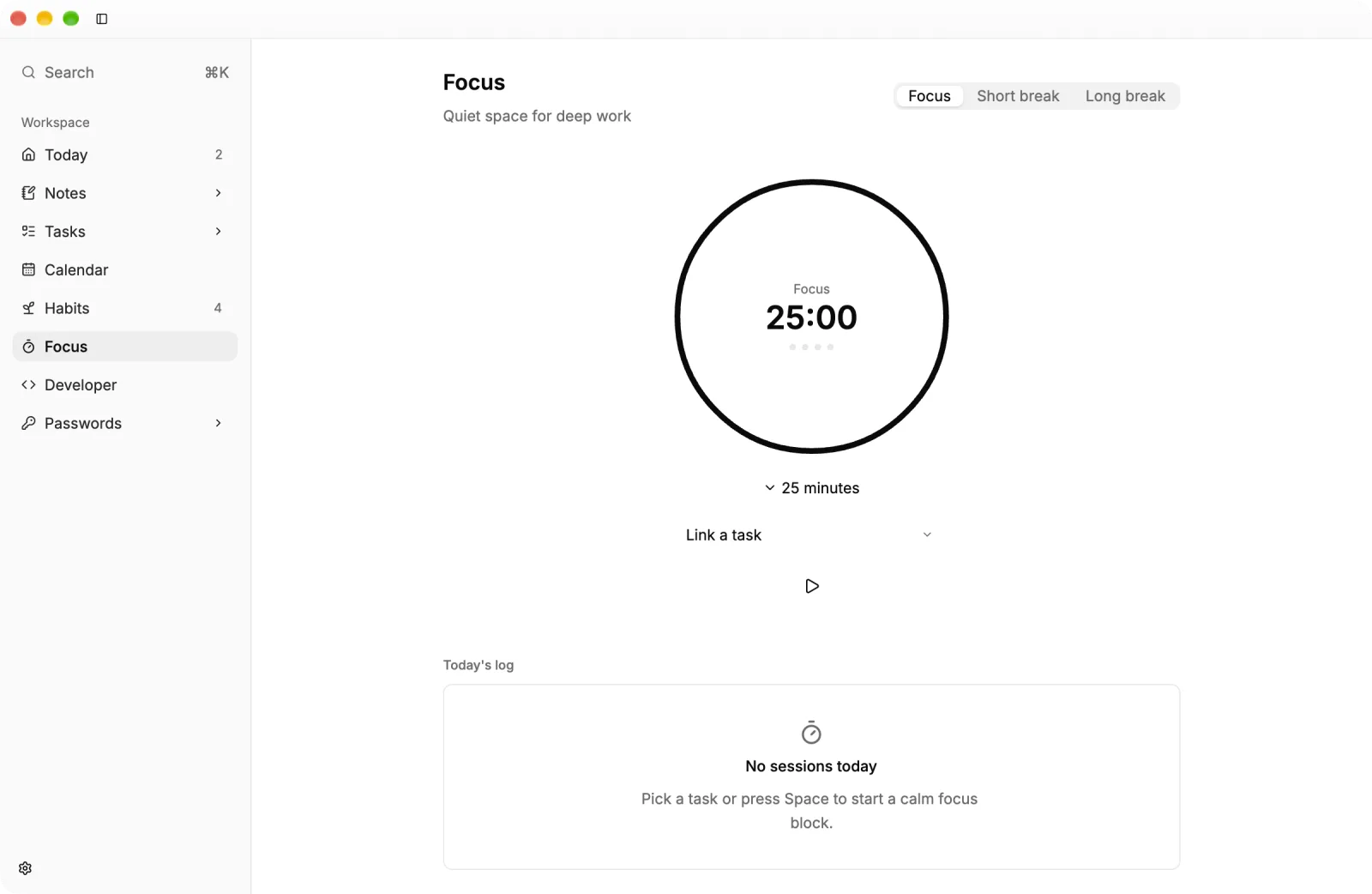
Pick a task, start a 25-minute block and take short or long breaks. Each session is logged for the day.
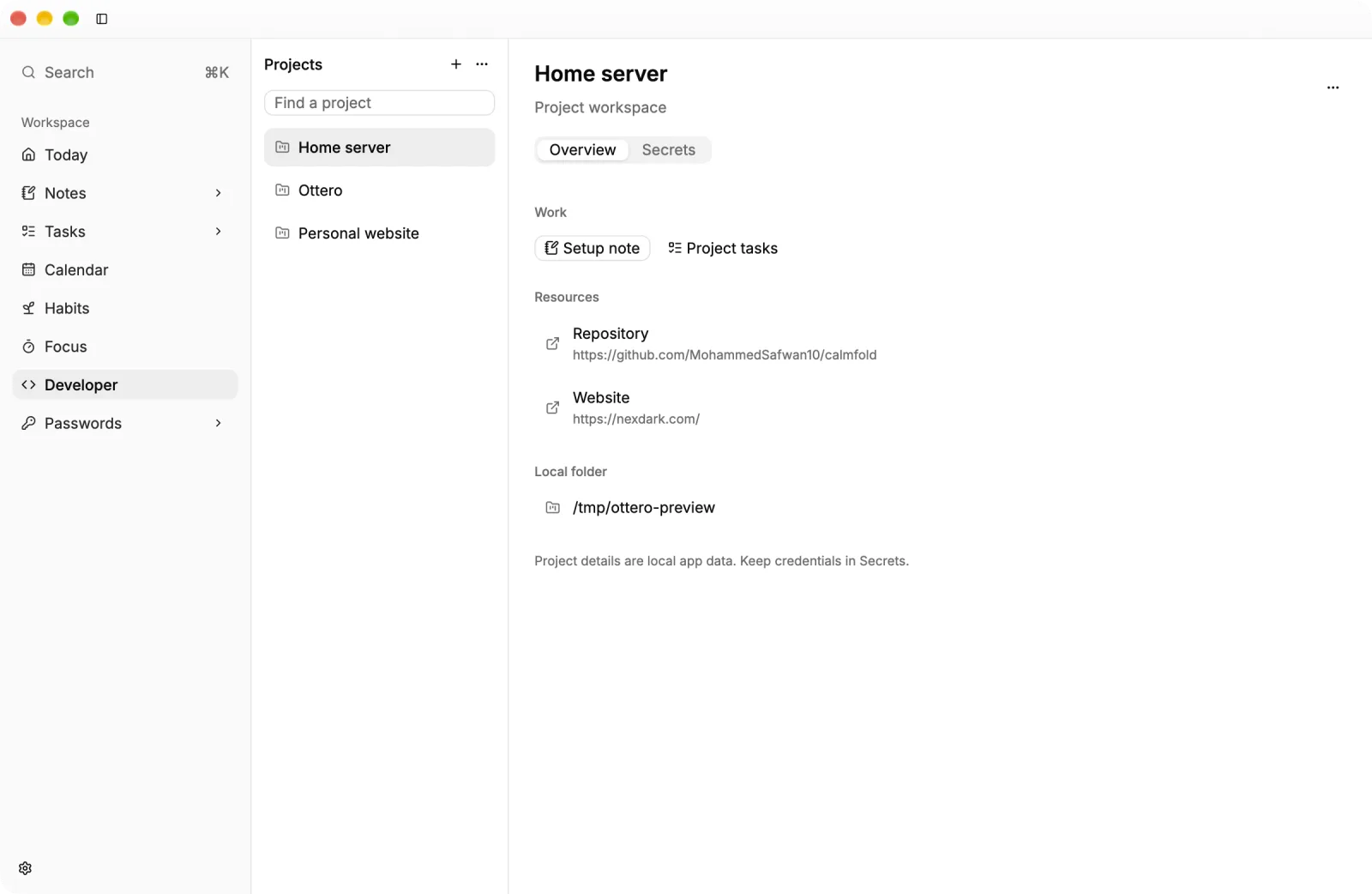
Keep each project’s repository, links, local folder and setup note together, with encrypted environment secrets per project.
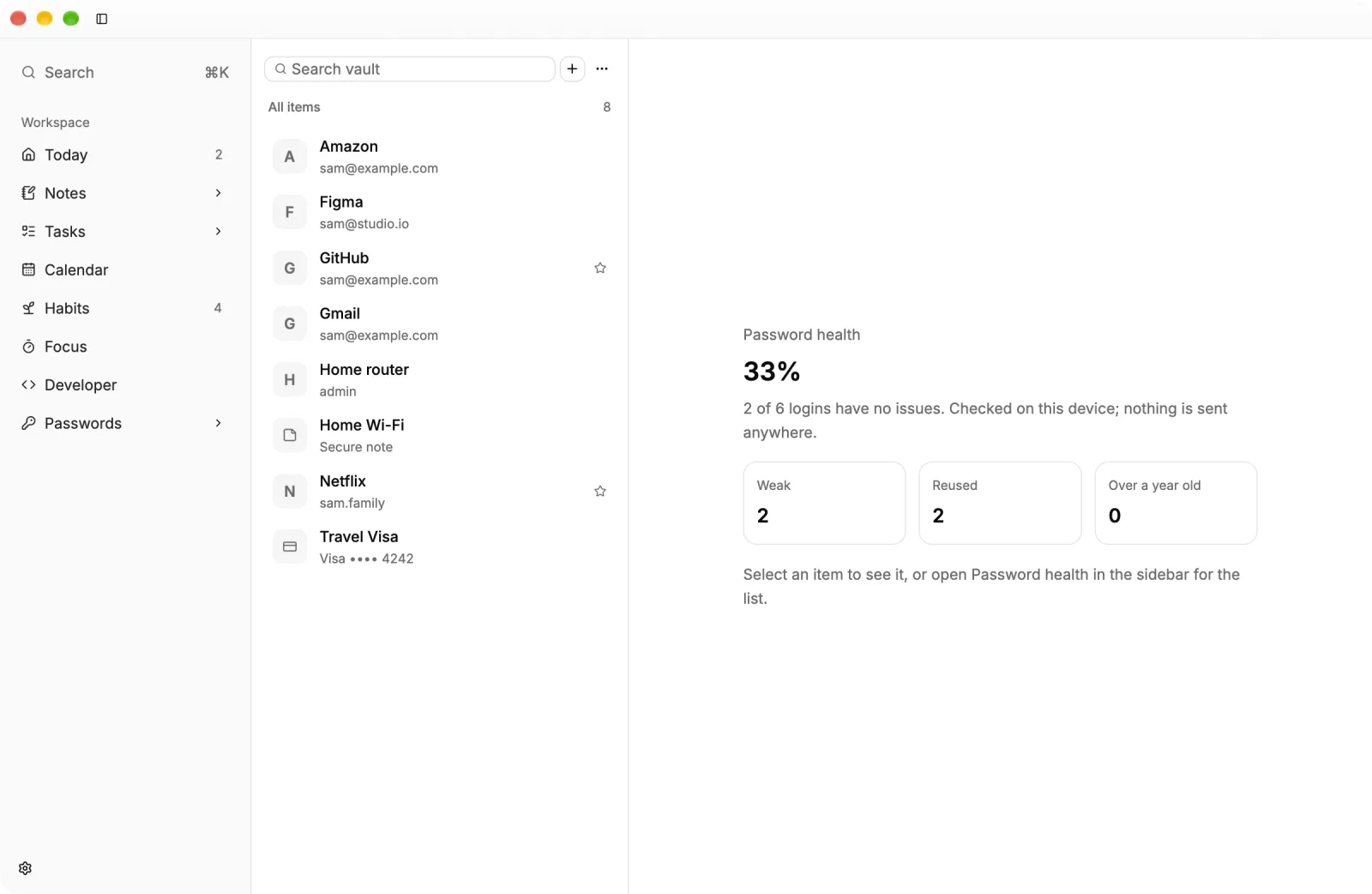
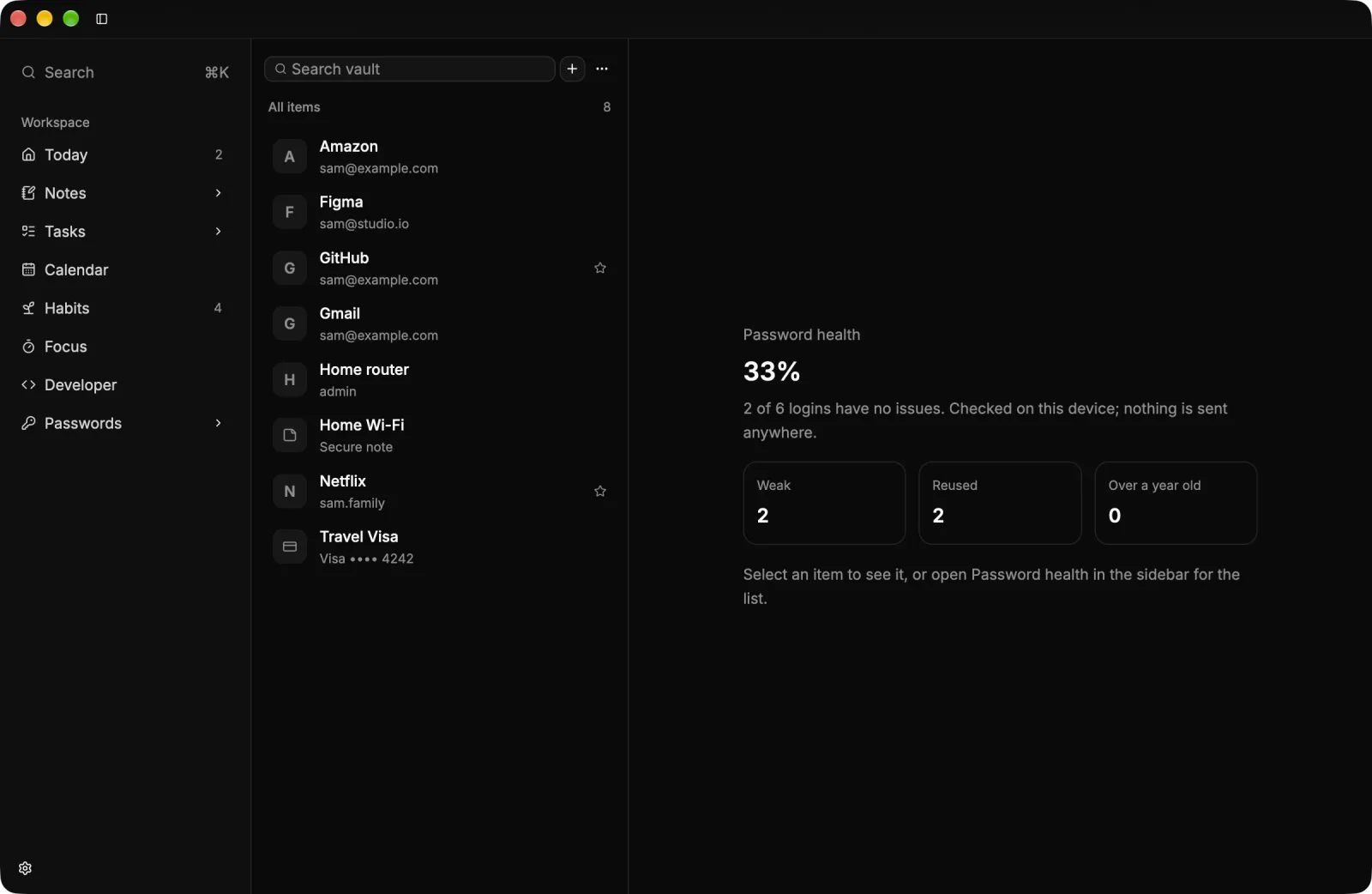
Logins, cards, one-time codes and a generator, sealed with Argon2id and XChaCha20-Poly1305. It locks itself when you step away.
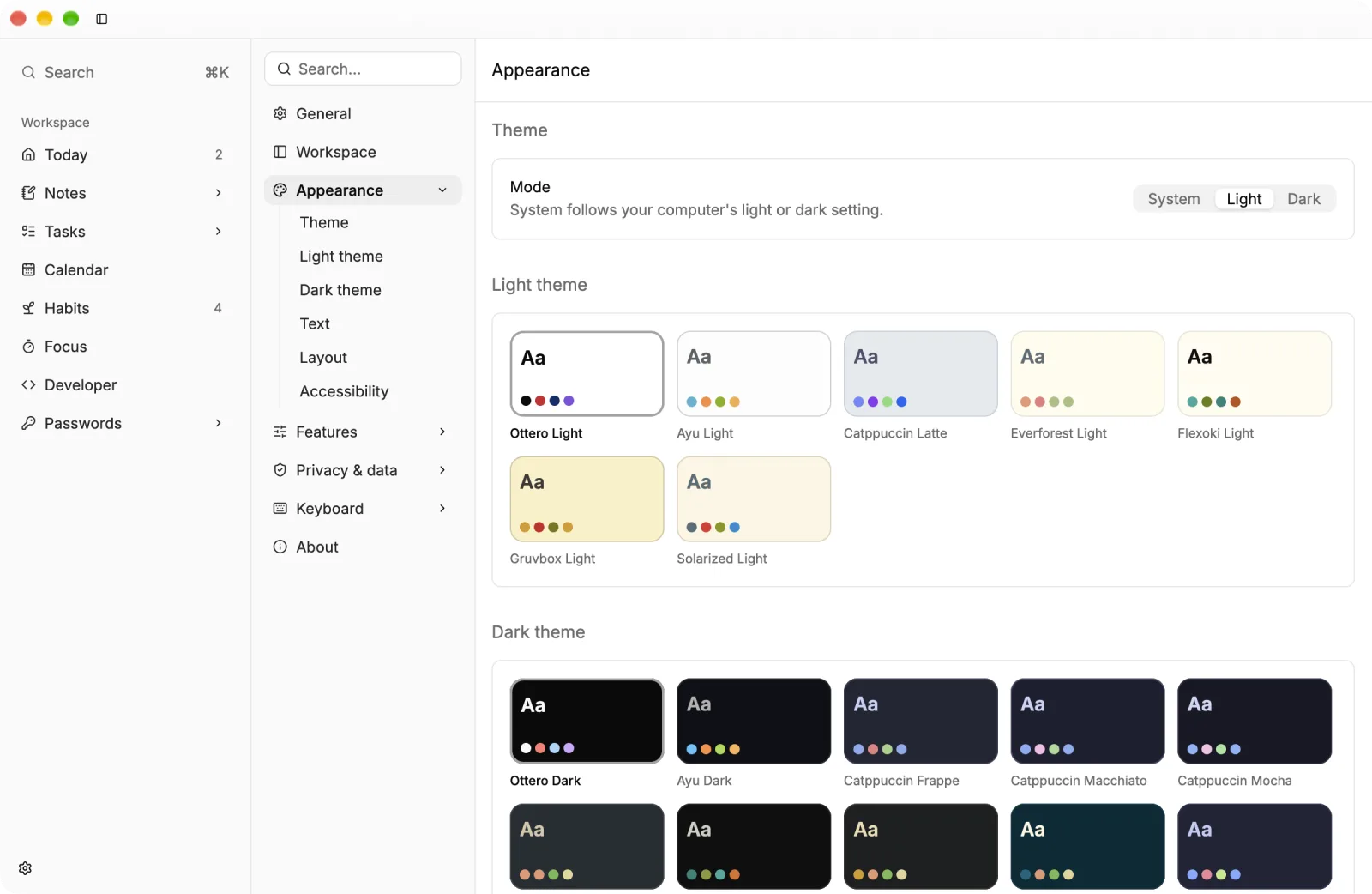
Ottero follows your computer’s light or dark setting, or keeps the one you pick. Choose a light and a dark theme, from Ottero’s own to Catppuccin, Gruvbox and Solarized, then set the text size and density.
Ottero works without signing up or going online.
Notes, tasks, events, habits and the vault live in one SQLite file you can back up.
Passwords are encrypted before they are saved; only your master password opens them.
Each update is checked against the Nexdark Labs signing key before it installs.
Every line is on GitHub under the GPLv3 licence.
Released 16 November 2026. The builds are not code-signed yet, so the first launch asks you to confirm. Checksums and source for 0.1.2.
64-bit Windows. The installer adds Ottero to the Start menu and keeps it up to date.
Installer 28 MB · portable 20 MB. If SmartScreen appears, choose More info, then Run anyway.

Apple Silicon Macs on macOS 12 or later. Move Ottero to Applications and it updates itself.
Zip, 18 MB. The first time, right-click Ottero and choose Open.
Version 0.1.2
Projects, focused sessions and a workspace that fits the way you work.
Read every release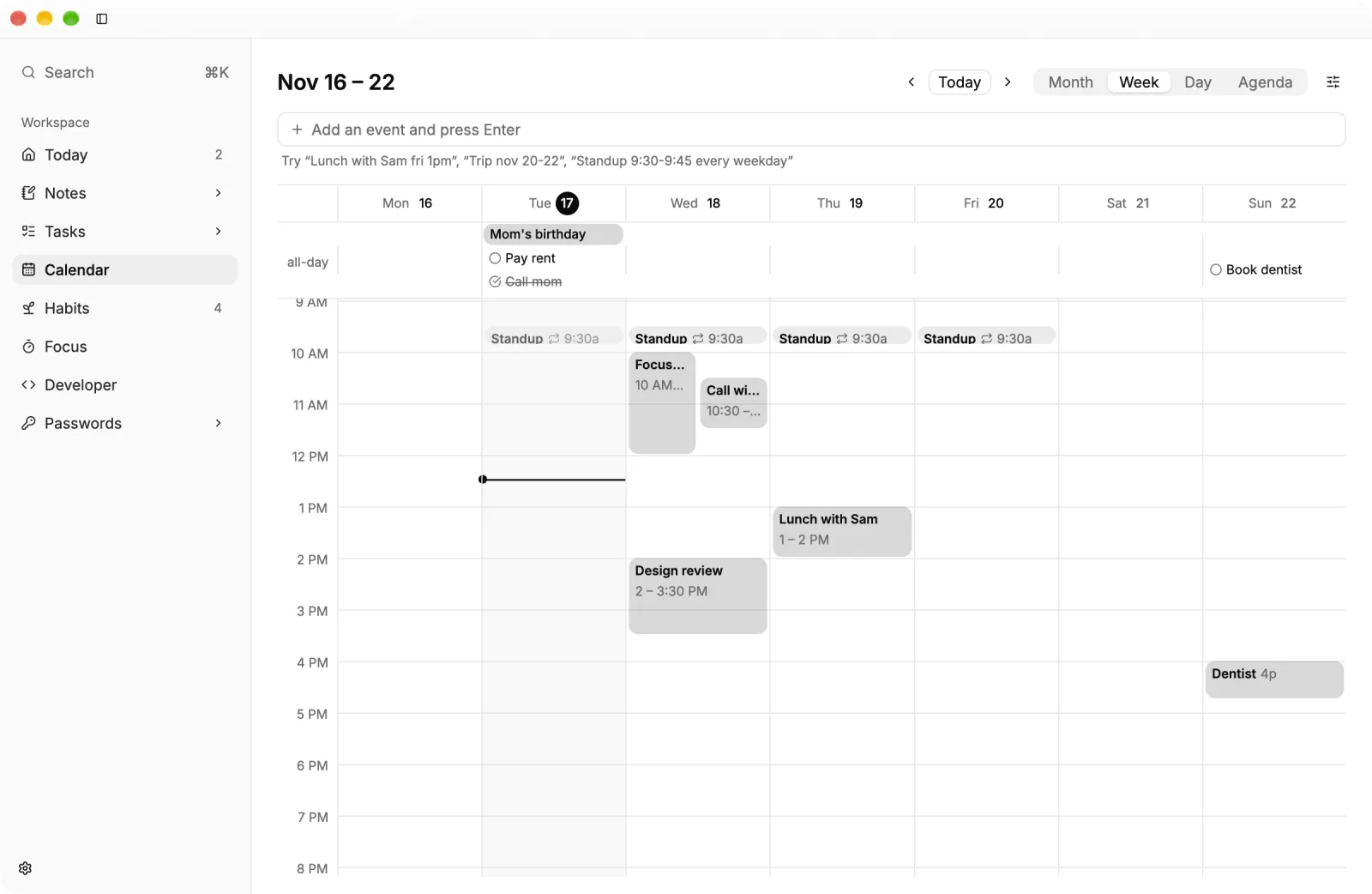
Yes. It is free and open source under the GPLv3 licence.
No. Ottero works on one computer without signing up. Sync between devices is planned and will stay optional.
64-bit Windows, and Apple Silicon Macs on macOS 12 or later.
The builds are not code-signed yet. On Windows choose More info, then Run anyway; on a Mac right-click Ottero and choose Open.
Ottero checks once a day, downloads in the background and installs when you restart.